
laptop repair

How to Fix Laptop TPM (Trusted Platform Module) Errors

Laptops rely on various components to ensure security and functionality. One of these critical components is the Trusted Platform Module (TPM). TPM plays a significant role in laptop security by handling cryptographic keys, securing passwords, and verifying system integrity. However, users often encounter TPM errors that can be frustrating and disruptive. This blog post aims

How to Fix Laptop TPM (Trusted Platform Module) Errors Read More »

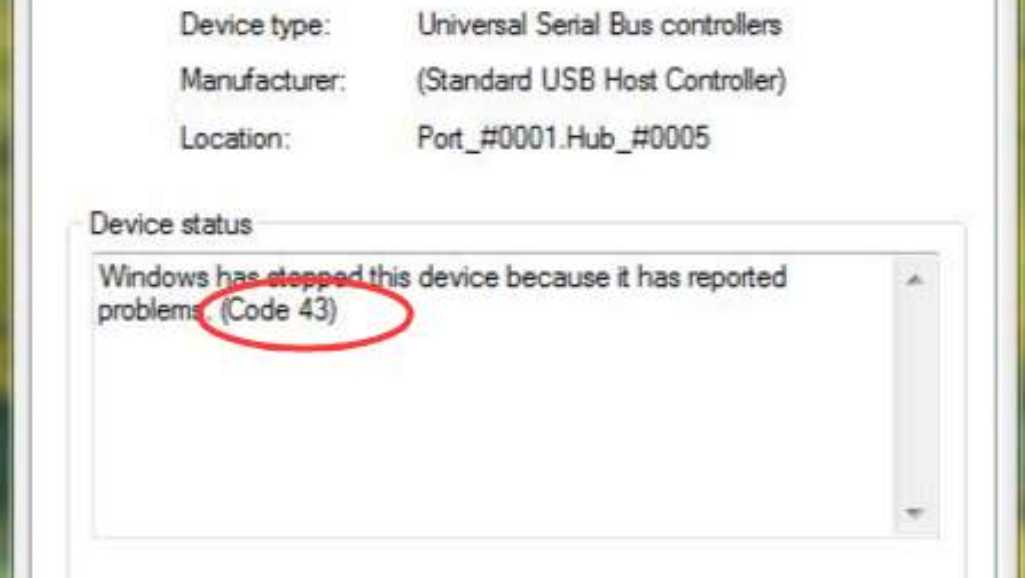
Fixing ‘Error Code 43’ in Device Manager for Laptop Hardware

Encountering ‘Error Code 43’ in Device Manager can be frustrating, especially when it disrupts your workflow. This error typically indicates that Windows has stopped a device because it reported problems. Understanding and resolving this issue is crucial for maintaining your laptop’s performance and ensuring smooth operation. This comprehensive guide delves into the causes, symptoms, and

Fixing ‘Error Code 43’ in Device Manager for Laptop Hardware Read More »

Laptop Repair SG: Repairing Complex Laptop Charging Circuit Issues

Laptop charging circuit problems are common and can stem from various sources, impacting the device’s functionality and user experience. Issues can range from a simple faulty adapter to complex motherboard failures, all of which need careful diagnosis and repair. Understanding the root cause of these issues is crucial for effective troubleshooting and repair. Importance of

Laptop Repair SG: Repairing Complex Laptop Charging Circuit Issues Read More »

10 Essential Command Prompt Tips to Diagnose and Repair Your Laptop

The Command Prompt is an invaluable tool built into Windows operating systems that allows users to interact directly with the system using text commands. While many people rely on the graphical interface of Windows, the Command Prompt offers a more powerful, efficient, and versatile way to diagnose and repair various issues on your laptop. In

10 Essential Command Prompt Tips to Diagnose and Repair Your Laptop Read More »

Laptop Repair SG: How to put HP laptop into repair mode?

If you own an HP laptop, knowing how to put it into repair mode is crucial. Repair mode, also known as recovery environment, is a lifeline when your device encounters severe issues that regular troubleshooting can’t fix. Whether it’s a system crash, a virus attack, or software corruption, repair mode allows you to access advanced

Laptop Repair SG: How to put HP laptop into repair mode? Read More »

Ultimate Troubleshooting for Dell Inspiron 3501 No Power Problems

Are you facing trouble with your Dell Inspiron 3501 no power? You’re not alone. Many users of this popular laptop model experience similar issues at some point. This can be frustrating, especially when you need your device the most. But there’s good news: in most cases, this problem is solvable. In this comprehensive guide, we’ll

Ultimate Troubleshooting for Dell Inspiron 3501 No Power Problems Read More »

My Laptop Is Freezing: Here Are 13 Simple Ways To Fix

Experiencing a freezing laptop can be a source of significant frustration, particularly when it disrupts your work or leisure. Such issues demand not only immediate attention but also a comprehensive understanding of potential causes and solutions. This guide is designed to equip you with practical and effective strategies for laptop repair and maintenance, ensuring your

My Laptop Is Freezing: Here Are 13 Simple Ways To Fix Read More »

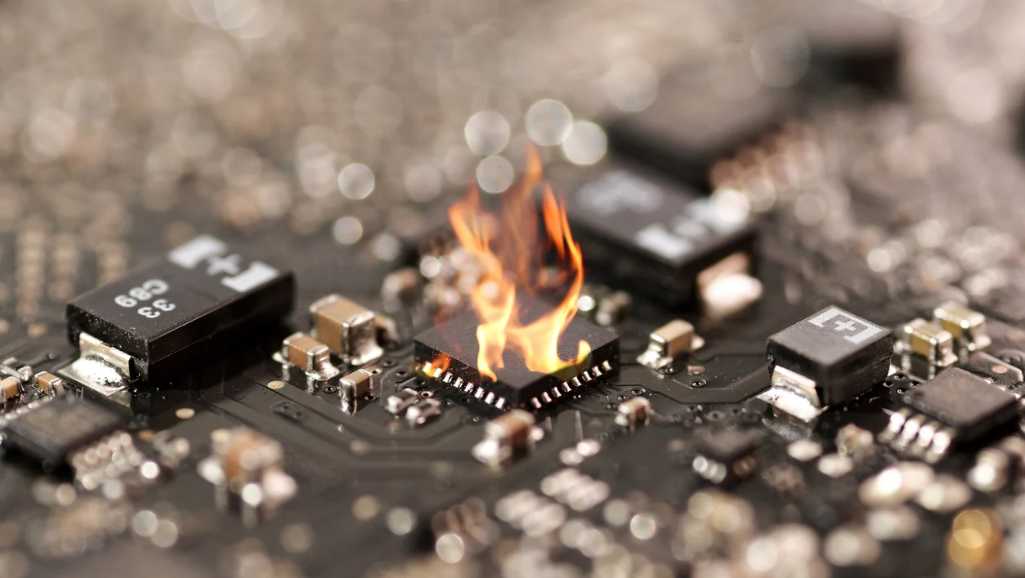
Navigating Laptop Repair Singapore: When an IC Chip Burnout

Laptop repair in Singapore faces a unique challenge: the dreaded IC chip failure. This intricate component, though small, plays a pivotal role in your device’s functionality. When it malfunctions, you’re not just looking at a minor hiccup; it’s often the root of major laptop woes. In this comprehensive guide, we delve into the complexities of

Navigating Laptop Repair Singapore: When an IC Chip Burnout Read More »

Scroll to Top